
Skip to content
Baby AI Generator

AI Baby Generator: See Your Future Baby's Face From Both Parents' Photos

AI baby generator shows what a future baby might look like from one photo of each parent. Baby AI Generator reads the facial features in both photos and renders a realistic baby portrait in seconds. One photo of each parent, 4 different children, and a note on which traits came from whom.

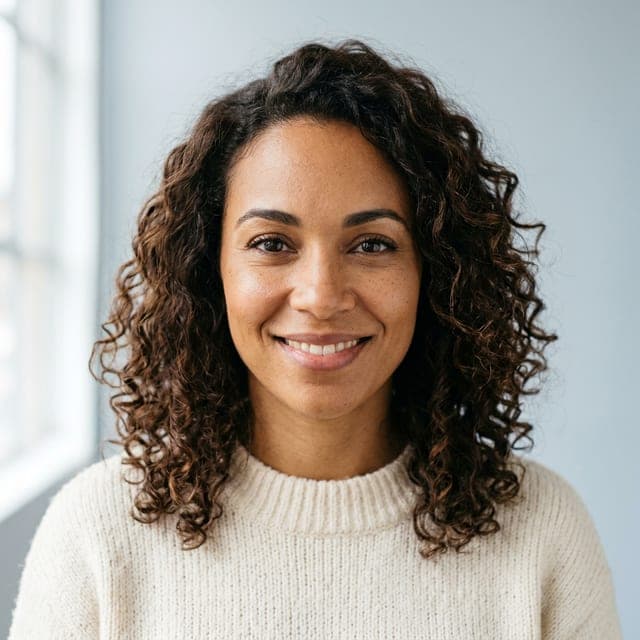
Example mom photo
Mom
Example dad photo
Dad
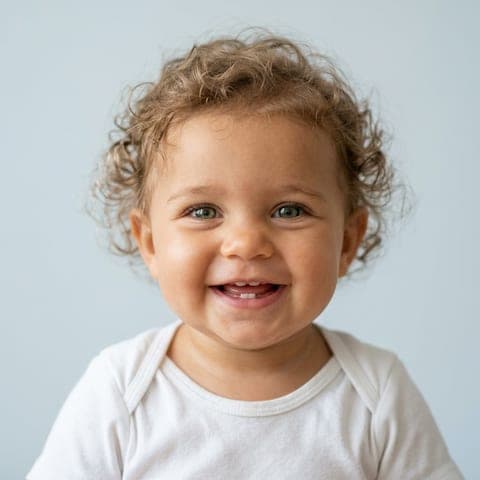
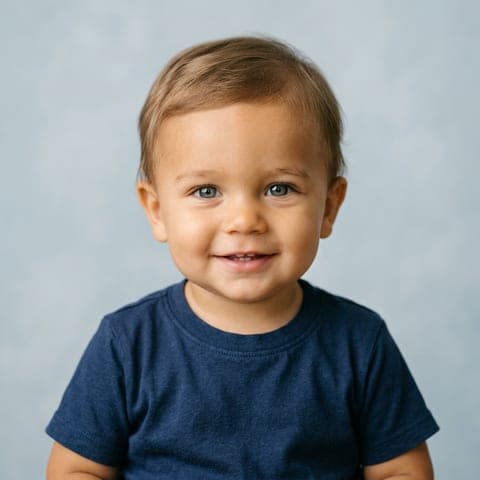
Example child 1
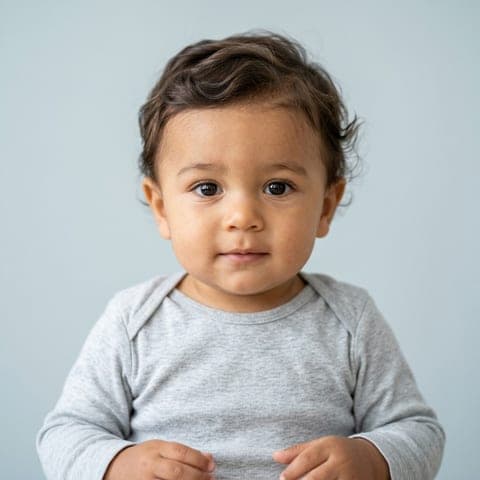
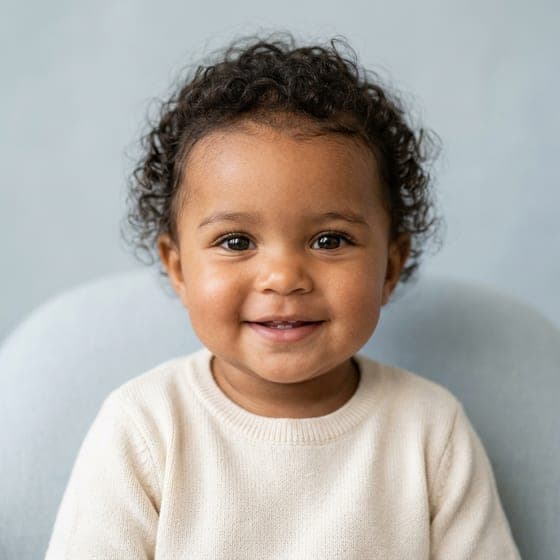
Example child 2
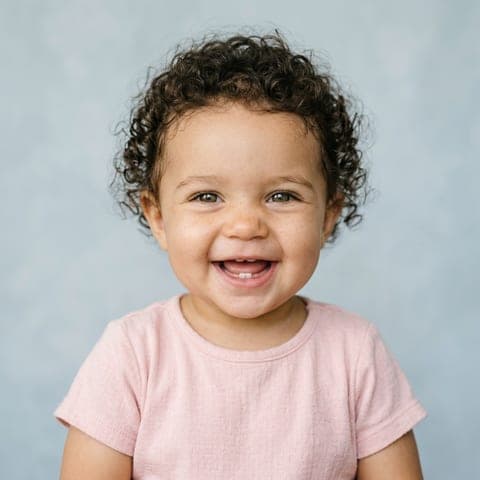
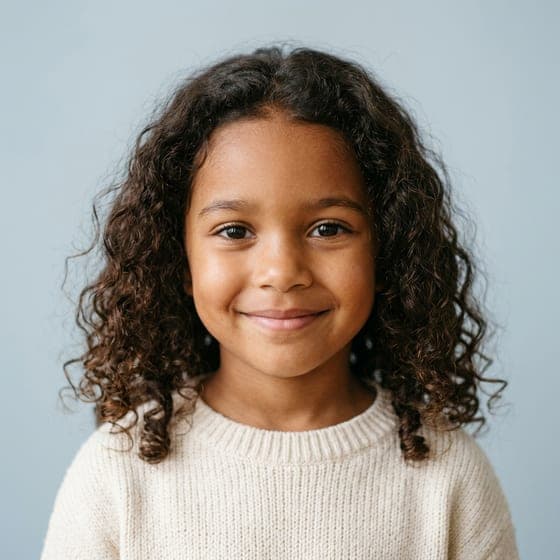
Example child 3
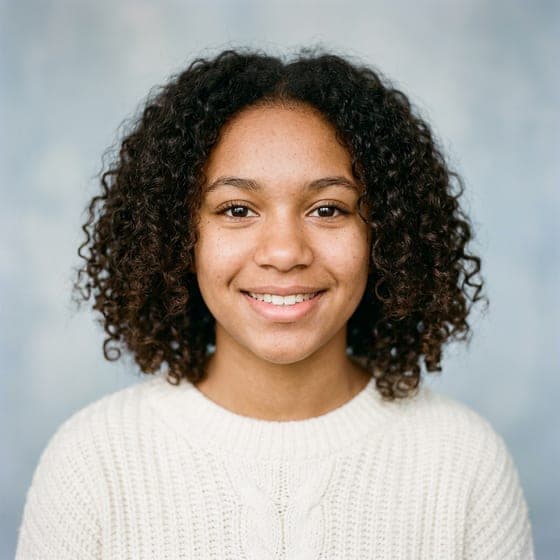
Example child 4
Curls from MomEyes from Dad
Child
Age

Example photos are AI-generated, fictional people.

Takes about a minute. Nothing is charged yet.

Upload Two Parent Photos and Meet Your Future Baby in Seconds

Turn two parent photos into a realistic baby portrait within seconds. One clear photo of each parent gives the AI enough facial detail to blend both faces into a lifelike infant image. The free preview shows your first baby portrait after a free sign-up, with no card needed.

Uploading takes seconds and your four children are ready in about a minute. The better the photos, the more the children look like the two of you, so here's what works.

Your photos are shrunk and stripped of location data on your device before they're sent, and deleted from our servers within 24 hours.

Upload your photos
Example of a good parent photo: one adult, face filling the frame, looking at the camera Works well
  • Face fills the frame
  • Looking at the camera
  • Even daylight, no filters
  • One adult per photo
Avoid
  • Sunglasses or hats
  • Group photos
  • Heavy filters or beauty mode
  • Photos of children

How Does the AI Baby Generator Work?

AI baby generator works in four steps. Parents upload one clear photo each, choose the baby's gender and age, set the mom and dad resemblance slider, and download the finished portrait in HD.

  1. Step 1: Upload a Clear Front-Facing Photo of Each Parent

    Step 1 is uploading one clear front-facing photo of each parent. Each photo needs even light, no sunglasses and one face only, so the AI detects every facial feature.

  2. Step 2: Choose Your Baby's Gender and Age

    Step 2 sets the baby's gender and age. Parents pick a boy, a girl or twins, and choose a baby, child or teen age.

  3. Step 3: Set the Mom and Dad Resemblance Slider

    Step 3 sets the mom and dad resemblance slider. Moving the slider makes the baby look more like the mother or more like the father.

  4. Step 4: Download Your Future Baby Portrait in HD

    Step 4 downloads the future baby portrait in HD. Parents save the portrait to a device, share it with family, or generate more variations with a different gender or age setting.

Which AI Baby Generator Modes Can You Choose?

The nine Baby AI Generator modes are listed below:

Available

1. Couple Baby Generator

The Couple Baby Generator predicts a baby by blending facial features from both partners' photos. Couple mode returns realistic infant portraits that combine the appearance of both parents.

Try the Couple Baby Generator

More generators: Anime Baby Generator · AI Sibling Generator

Why Do Couples Choose Baby AI Generator?

Couples choose Baby AI Generator for realistic baby faces, fair skin tone matching, several variations per generation, watermark-free HD downloads and photo privacy. Each reason is explained in the advantages below.

Advantages of Our Baby AI Generator

The five advantages of Baby AI Generator are listed below:

  1. 1. Realistic Baby Faces Instead of Cartoon Blends

    Baby AI Generator creates realistic infant portraits instead of blurred morph blends. Each result resembles a real infant photo.

  2. 2. Accurate Skin Tone Matching for Every Heritage

    Baby AI Generator keeps skin tone true to both parents' photos for every heritage. The skin tone blend reads the complexion in each parent's face and renders a baby complexion that reflects both backgrounds.

  3. 3. Several Baby Variations in Each Generation

    Each generation returns 4 baby portraits, each with a different resemblance mix from both parents. Choose Surprise me to receive boy and girl versions, and switch the age to see the same parents' children as a baby, a child or a teen.

  4. 4. Watermark-Free HD Downloads

    Paid downloads arrive in high definition without a watermark. Watermark-free HD portraits are ready to print or share.

  5. 5. No AI Training on Your Photos

    Baby AI Generator does not use uploaded photos to train its models. Uploaded photos are processed only to generate the requested baby portrait.

AI Baby Generator Pricing

Your first result is free. After that, 1 credit is 1 image and a run of 4 children uses 4 credits. Packs start at $4.99 and never renew; a monthly plan is optional and cancels any time.

  • Starter

    Two full runs of four children.

    $4.99one-time

    • 8 images
    • 2 runs of 4 children
    • Full size, no watermark
    • Credits never expire
    • Never renews
  • Most popular

    Family

    Try every age, twins and a family portrait.

    $9.99one-time

    • 20 images
    • 5 runs of 4 children
    • Full size, no watermark
    • Credits never expire
    • Never renews
  • Big family

    For the whole family to play with.

    $19.99one-time

    • 50 images
    • 12 runs of 4 children
    • Full size, no watermark
    • Credits never expire
    • Never renews

One-time payments in US dollars. Compare credit packs and monthly plans

How Accurate Is Baby AI Generator?

Baby AI Generator produces a realistic visual likeness from both parents' photos, not a genetic forecast. The generator reads visible characteristics such as eye shape, nose structure, lip shape, face contour, skin tone and hair color, then blends them into an infant portrait. Photo quality decides how close the likeness looks: clear front-facing photos in balanced light keep facial detail, while blurry or dark photos weaken the result.

Which Facial Features Does the AI Read From Each Parent?

The facial features the AI reads from each parent are eye shape, nose, lips, face shape, skin tone and hair color. The image model works from both parents' photos and blends those features into an infant portrait that carries the parents' face shape and complexion.

Why Can't AI Predict Recessive Traits Like Blue Eyes?

AI baby generators can't predict recessive traits like blue eyes because a photo shows only the traits a parent expresses, not the gene variants the parent carries. A recessive trait needs two copies of a variant to appear, so a brown-eyed parent can carry a blue-eye variant that no photo reveals. MedlinePlus Genetics reports that eye color inheritance involves multiple genes, led by OCA2 and HERC2, in "Is eye color determined by genetics?" (July 2022).

How Do Diffusion Models Blend Two Parent Faces?

Diffusion models blend two parent faces by reading both sets of facial features, blending them and rendering them as an infant face. A diffusion model starts from a random noise image and refines the image step by step into a natural infant portrait. The output is a visual approximation learned from the photos, not a prediction of genetic inheritance.

Which Free Baby Trait Predictors Can You Try?

Free calculators based on how traits are inherited. No sign-up.

  • Available

    Baby Eye Color Calculator

    Pick both parents' eye colors and see the chances of brown, green or blue eyes.

  • Available

    Baby Hair Color Calculator

    The odds of dark, blonde or red hair from both parents' hair colors and family history.

  • Available

    Baby Skin Tone Predictor

    The likely range of your baby's skin tone from both parents', on the Monk scale.

  • Coming soon

    Baby Dimples and Freckles Predictor

    How likely your child is to have dimples or freckles, based on both parents.

Also free: Child height predictor

AI Baby Generator FAQ

The most common questions about Baby AI Generator are answered below.

Can I Use Photos of Any Two People?

Yes, photos of any two adults work with the AI baby generator for a fun baby portrait. Use real people's photos only with their consent, because a face photo is personal data.

Why Doesn't My Prediction Look Like Either of Us?

A prediction that looks like neither parent comes from blurry photos, side angles, heavy filters or uneven light. Those photo problems hide the facial landmarks the AI needs to blend. The resemblance slider moves the result back toward mom or dad.

Best Photos for an AI Baby Generator: Photo Requirements

The best photos for an AI baby generator are front-facing, well-lit and high-resolution, with one fully visible face per photo. Sunglasses, shadows and strong angles hide facial features. Even light and sharp focus let the AI detect eye shape, nose structure, lips and skin tone in both parents.

How to Get Realistic Results From an AI Baby Generator

To get realistic results from an AI baby generator, use two photos taken in similar light with neutral expressions. Matching light helps the AI blend both faces naturally. Heavy beauty filters distort facial structure and skin tone, so skip them.

Why AI Baby Generator Results Look Wrong: Blurry, Too Old or Wrong Skin Tone

AI baby generator results look wrong because of photo quality and light. Low-resolution photos produce blurry babies because the AI can't read the facial landmarks. Strong adult features make a baby look older than expected, and harsh or colored light shifts the generated skin tone.

How Accurate Are AI Baby Generators

AI baby generators give a visual likeness for entertainment, not a genetic prediction. The tools blend visible features from parent photos, such as eye shape, nose structure, skin tone and hair color. AI baby generators can't see hidden genetic information, such as a recessive blue-eye variant or later changes in hair texture, and clearer photos in even light give more convincing results.

Meet them. Your first result is free

Try the AI Baby Generator free